
Libraries Basics shares information and topics about the Binghamton University Libraries written by Alesha Khan ’28, Libraries’ communications student assistant.
All libraries will have books for you to borrow at your leisure – it’s what the Library is known for, after all! However, at all three of our locations, you can borrow even more.
Technology
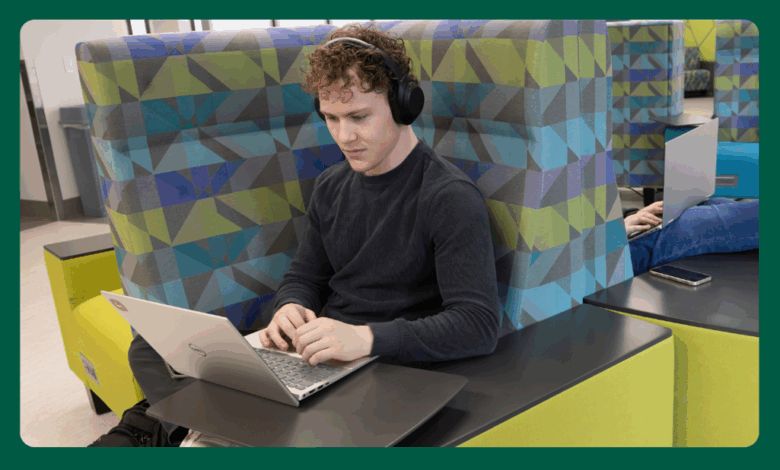
It’s almost a given that, at some point in college, you will forget some kind of technology like your phone’s charger or your headphones. Sometimes you’ll have time to make the trek back to your dorm to get what you need to survive your three back-to-back lectures. But sometimes, you might not have that luxury. However unique (or not) your situation may be, the Binghamton University Libraries are fully prepared to become your temporary saviors. Bartle Library will have all the technologies that are available for you to borrow, usually for four hours at a time, and the Science and UDC Libraries will have a few of the essentials.
Here are some highlighted technology you can borrow, along with what locations the tech is available:
- Laptops (Bartle, Science, UDC)
- Charging power banks (Bartle, Science, UDC)
- Headphones (Bartle, Science, UDC)
- DVD players (Bartle)
- Projectors (Bartle, Science)
- Financial calculators (Bartle, Science, UDC)
- Scientific calculators (Bartle, Science, UDC)
- Graphing calculators (Bartle, Science, UDC)
- Presentation remotes (Bartle, Science, UDC)
More about technology can be found at the Reader Services Desks and at binghamton.edu/libraries/services/access-services/technology-lending/index
Remember to bring your Binghamton University ID Card to check out the technology you need!
Course Reserves and Scanners
Textbooks in college, as is extremely well-known, can cost quite a lot – to the point where the Financial Aid Office advises students to reserve up to $1,000 for it! However, Course Reserves through the Libraries is here to ensure you can save that expense.
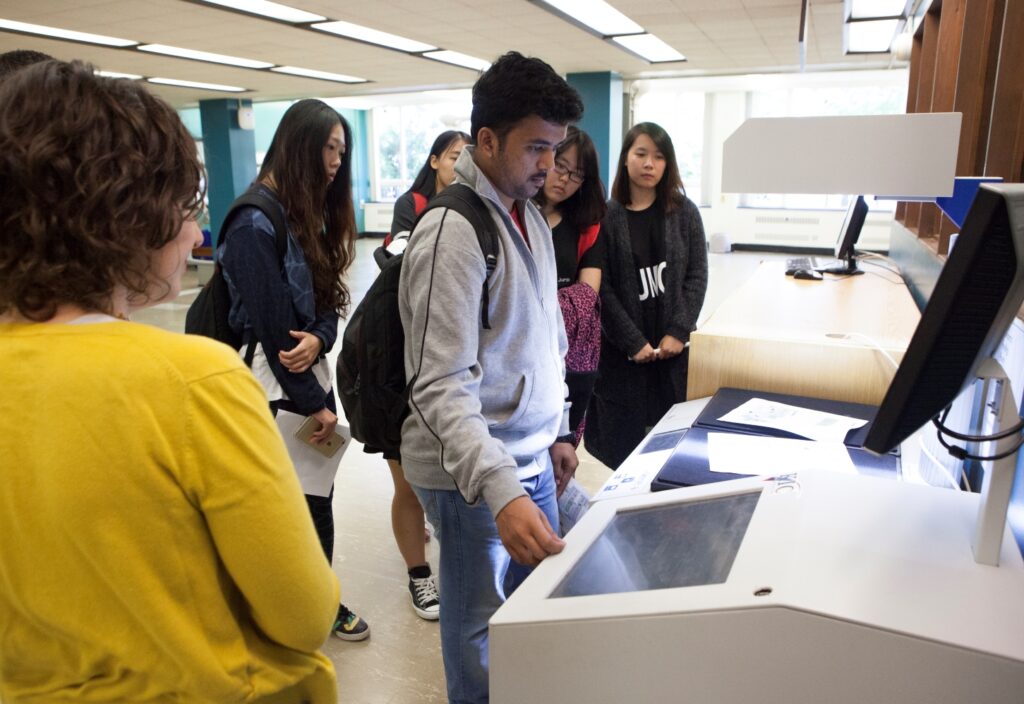
At the beginning of each semester, many professors will alert the library staff on what textbooks they will be using for their classes and the staff will set these aside in the course reserves. These reserves can be found at the Access Services Desks at Bartle Library and UDC Library. You can borrow the textbooks for a certain amount of time, during which you can use to take notes or study whatever chapter you need.
If you need to access it later on, you can scan the pages you need in the textbook and send the scanned pdf to your email or save it on a USB drive. Scanners are available for all students and can be found throughout each library location. Some scanners will work better with fewer pages while some are designed to scan entire chapters at a time.
Learn more about Course Reserves and check to see if your class is on reserve through the website:
binghamton.edu/libraries/services/access-services/reserves/students/index
Remember to bring your Binghamton University ID Card to check out Course Reserves!
That marks the end of What to Borrow – I will see you next time with Interacting with the Library!